How to split a tab for a big group (parties, bachelorettes, work dinners)
By Mitch R, Tab Tender Team · 2 min read · Updated June 2, 2026
For a big group, scan the receipt once, assign items in bulk, split shared bottles or bottle service by weight, and share one link so everyone pays their exact share. If one card covered the whole tab, set that person as who gets paid back.
Big-group bills — a bachelorette dinner, a birthday, a work outing — are where even splitting goes most wrong: the people who had a salad and water end up subsidizing the steak-and-cocktails crowd, and the math is hopeless to do at the table. With the right flow, even a 20-person tab is quick.
On this page
Start from a photo, not the keypad
Typing 40 line items by hand is misery. Snap a photo of the receipt (or paste a digital one) and Tab Tender reads the items, prices, tax, and tip so you start from a complete bill and just assign it.
Assign fast — and lean on shared items
Most items belong to one person, so tap through those quickly. For the things the table shared — appetizers, a few bottles of wine, bottle service — split each across just the people who actually had it, and use a weighted split when some people had more than others.
When one card fronts the whole tab
At big group dinners one person often puts the whole thing on their card. Make that person the one being paid back on the tab — everyone else then settles directly with them via their pay link. If a few people paid cash up front, record those as prepayments so the remaining balance is exactly what's left to collect.
Share one link and let everyone pay themselves
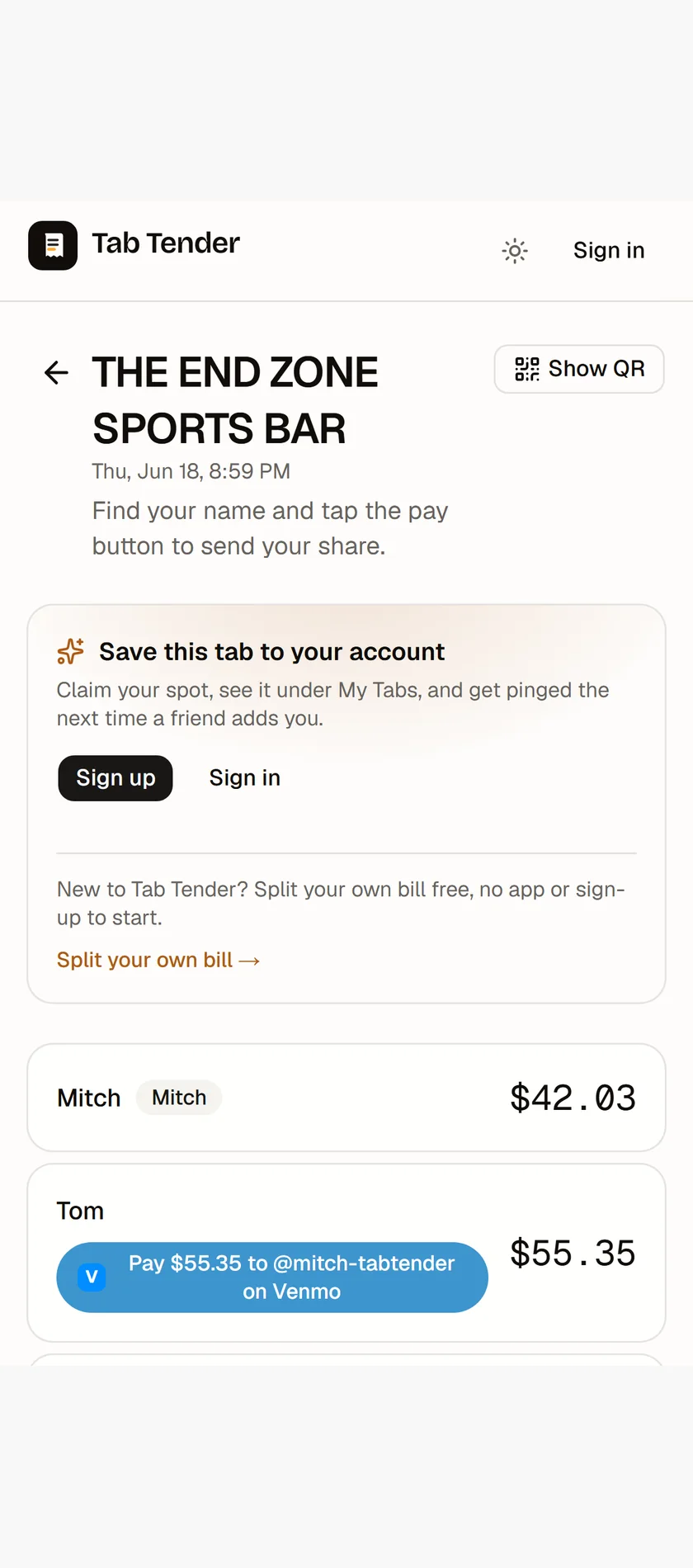
Drop the share link in the group chat. Everyone finds their name, sees their exact share with tax and tip already worked in, and taps to pay — no app to download, which matters when half the group is friends-of-friends you won't see again.
Mistakes that blow up a big-group split
- Defaulting to an even split because the group is large — that's exactly where it's least fair, since orders vary the most.
- Charging shared bottles or bottle service to the whole table when only half of it drank — split those across just the drinkers, weighted if some had more.
- Forgetting the people who threw in cash, so the card-holder over-collects and ends up owing money back.
- Letting the tab go private or losing the receipt before everyone's paid — keep the photo attached and the link live until the last person settles.
- Running collections by hand in the group chat instead of letting each person tap their own pre-filled pay link.
Chase the stragglers in one tap
On a 20-person tab, someone always forgets. Tab Tender shows you who's marked paid and who hasn't, and sends a single friendly reminder with their amount and pay link — so you're not scrolling the group chat doing collections.